Nepglish
English Learn & Speak
Learn English speaking from Zero to Advanced, with Nepali explanations. 180 practical lessons, microphone speaking practice, real-life conversations and an English–Nepali dictionary — offline-first, no login, no account.
Features
A personal English teacher on your phone — learn, listen, understand, repeat, speak, practise and improve, one lesson a day.
📚 180 Lessons, 6 Levels
Zero to Advanced in 30 lessons per level: Absolute Beginner, Basic Speaking, Everyday Conversation, Intermediate, Confident Speaking and Advanced Communication.
🎤 Speaking Practice
Tap the microphone and speak. Speech recognition checks your sentences, highlights missing words and lets you retry until it sounds right.
👂 Listening & Pronunciation
Clear American English audio at normal and slow speed, with Nepali explanations for every sentence.
💬 Real-Life Conversations
20 scripted conversation categories — greetings, shopping, restaurants, doctor visits, banking, work and job interviews. You play one role, the app plays the other.
📖 English–Nepali Dictionary
Offline dictionary with full-text search in English and Nepali, meanings, pronunciation, examples and saved words.
✍️ Vocabulary & Grammar
18 vocabulary topics and 23 grammar topics taught through simple Nepali explanations, examples, speaking exercises and quizzes.
🧩 Daily Quiz
Multiple-choice, fill-in-the-blank, sentence building and listening quizzes after every lesson, plus a level assessment at the end of each level.
📈 Progress & Streaks
Lessons completed, quiz scores, speaking attempts, daily practice minutes and streaks — with achievements and a ready-to-start learning plan.
📶 Offline-First
Lessons, vocabulary, grammar, dictionary, conversations and quizzes all work offline. Internet is only needed for speech recognition and ads.
🔓 No Login
No registration, no account, no password. Your progress stays on your own device.
A Look Inside
The splash and welcome screens of the app — the same artwork you will see when you open Nepglish.
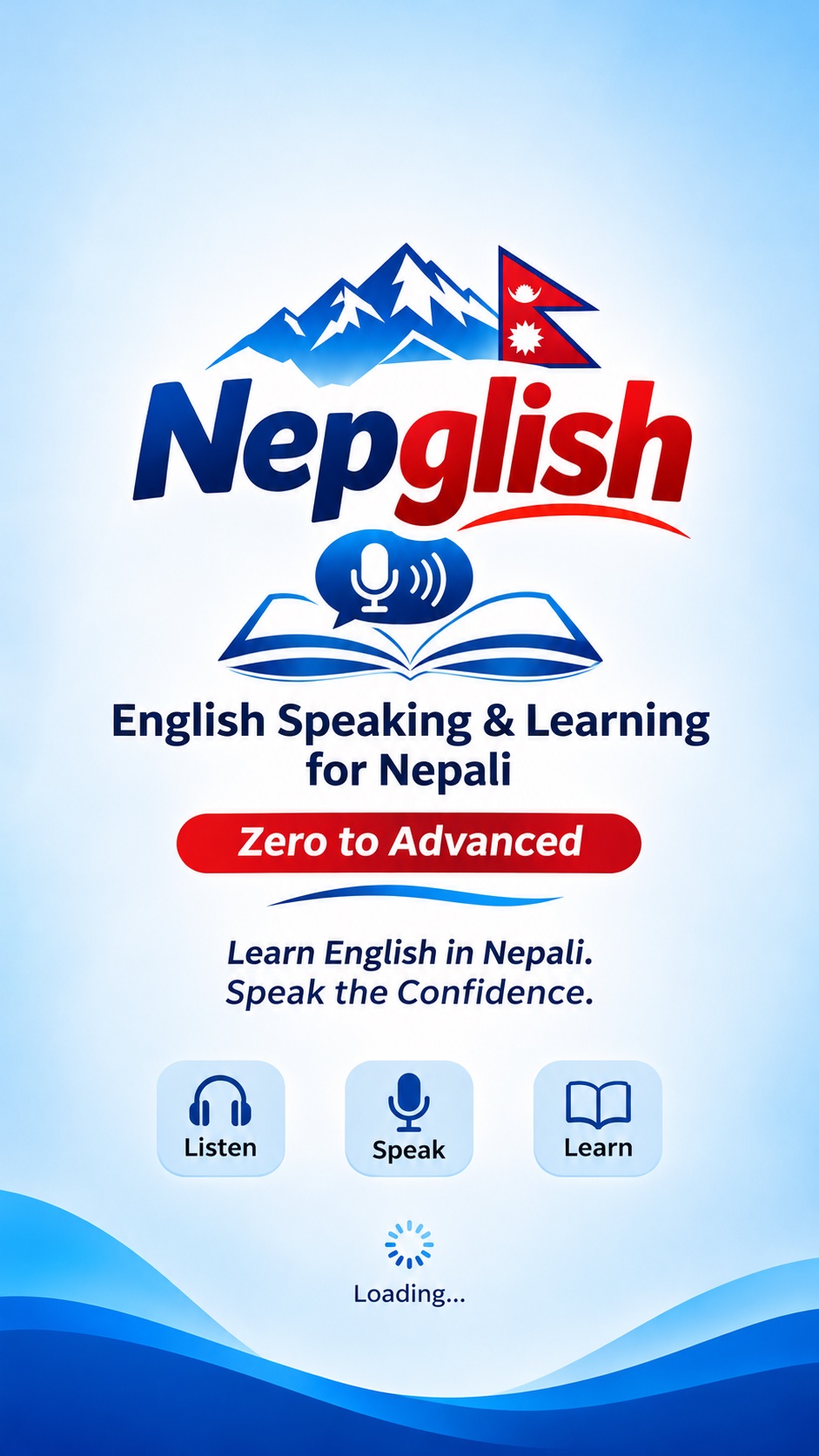
Splash Screen
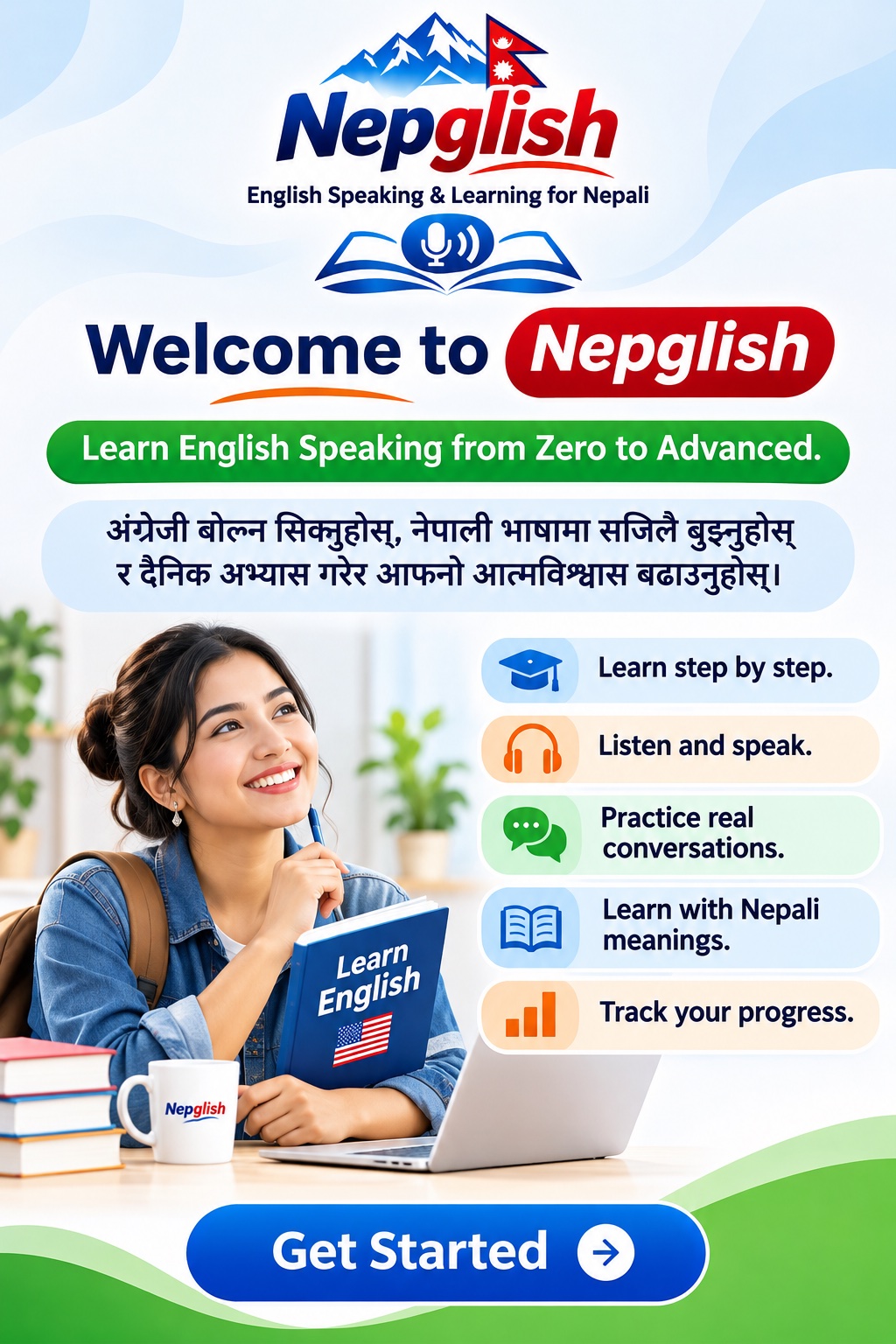
Welcome Screen
How It Works
Every lesson follows the same practical sequence, so you start speaking from day one.
- Learn: new words with Nepali meanings and audio.
- Listen: clear English sentences at normal or slow speed.
- Understand: Nepali explanations of what each sentence means.
- Repeat: say the sentence aloud with the microphone.
- Speak: answer questions and practise short dialogues.
- Practice: build sentences, match words and take the quiz.
- Improve: review your feedback, save difficult words and keep your streak going.
Get Nepglish
Coming soon to Google Play and the App Store. Free with AdMob banner and interstitial ads at natural transitions — never during microphone recording, listening or conversations. No login, no account, and the course works fully offline.
⬇ iOS — App Store (coming soon) ⬇ Android — Google Play (coming soon)Store links are coming soon — the buttons on this page are placeholders until the public listings are live. No fake store links are published here.
FAQ
Is Nepglish really free?
Yes. The app is free to download and use, supported by Google AdMob banner and interstitial ads shown only at natural transitions — never during microphone recording, listening exercises or conversations.
Do I need an account or internet?
No. There is no login, no registration and no backend. The course, dictionary, vocabulary, grammar and quizzes work offline; internet is only needed for speech recognition and ads.
How does speaking practice work?
Each lesson shows an English sentence. You tap the microphone and say it aloud. Speech recognition converts your speech to text and compares it with the expected sentence, highlighting matching and missing words so you can retry.
What does the dictionary cover?
An offline English–Nepali dictionary with full-text search in both languages, meanings, pronunciation, parts of speech, examples and saved words. Tap any word in a lesson to open its dictionary entry.
Which levels are there?
Six levels of 30 lessons each: Absolute Beginner, Basic Speaking, Everyday Conversation, Intermediate Speaking, Confident Speaking and Advanced Communication. You can change your level in Settings at any time.
Which devices are supported?
Android phones and iPhones. The app works in portrait orientation with large speaking buttons and clear progress indicators.